Flat Preloader Icon LOADING....

MFathan

Categories
Project IT

Smart Parking

Smart Parking

So, right now I’m working on a smart parking system project with my team—Fatih, Fathan, and Zikri. The smart parking system I’m building is essentially a barrier that opens and closes when an infrared sensor detects a car. Smart parking is a modern parking management system based on digital technologies like the Internet of Things (IoT) and sensors. There are several components we’re using in this project, including a servo motor, infrared sensors, a Micro:bit, an IOBit, and jumper cables. For this project, we’re also coding it in MakeCode.

Categories
Project IT

Smart Watering Plant

Smart Watering Plant

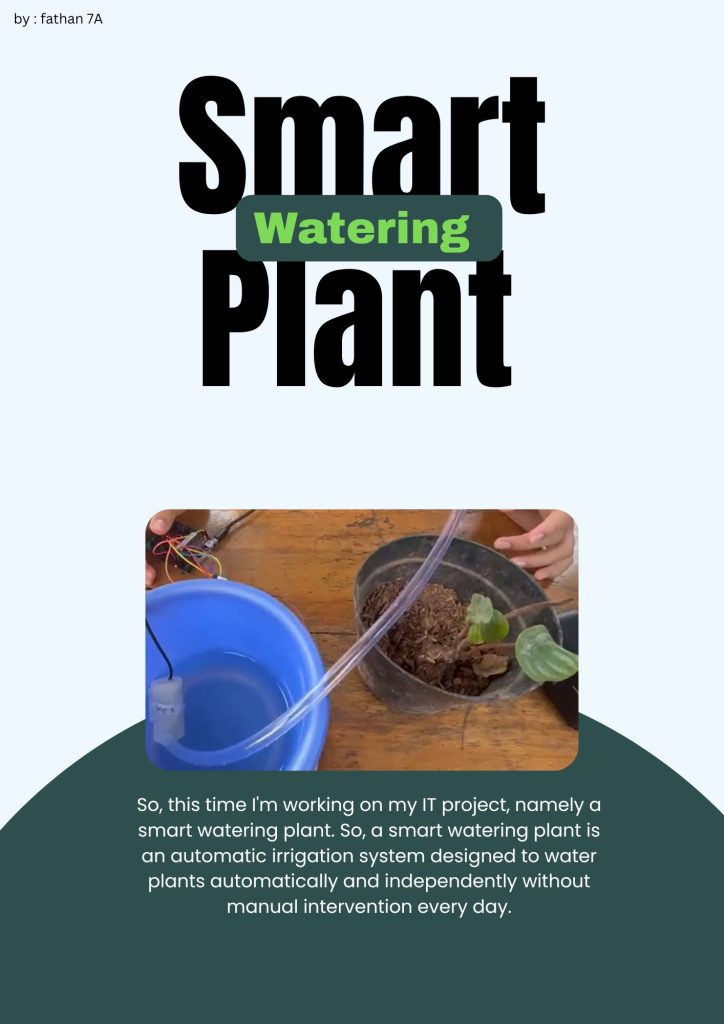
So, this time I’m working on my IT project, with my team consisting of Fathan, Zikri, Keanu, and Dafa, namely the Smart Watering Plant. So this Smart Watering Plant is designed to water plants automatically and independently without manual intervention every day. Some of the components used include microbit, IObit, jumper cables, soil moisture sensors, relays, and DC pumps, and of course using pots and plants. Here I created the code using makecode.

Categories
Project English Project IT

IT Presentation

IT Presentation - About Microbit & Tinybit

Okay, so this time I’m working on my project, which is an IT presentation about the Microbit and Tinybit. Here, I’ll explain the functions and components of the Microbit and Tinybit. First up is the Micro:bit. The Micro:bit is the brain of a pocket-sized robot, and we can also upload code to it. Second is the Tinybit. The Tinybit is a small smart car robot designed based on the Micro:bit microcontroller. Here, I’ll also explain some of the components in the Tinybit, such as the ultrasonic sensor, LEDs, and others.

Categories
Project IT

IT Tutorial – About Microbit

IT Tutorial - About Microbit

Okay, so this time I’m working on my project, which is an IT tutorial about the Microbit and MakeCode. Okay, so first I’ll explain what the Microbit is. The Microbit is the “brain” of a pocket-sized robot. Next, I’ll talk about MakeCode. MakeCode is a website where we can create code to upload to the Microbit, which can then serve as the “brain” of a robot. MakeCode also offers a wide variety of tutorials that we can use.

Categories
Project IT

Tinybit – Line Follower

Tinybit - Line Follower

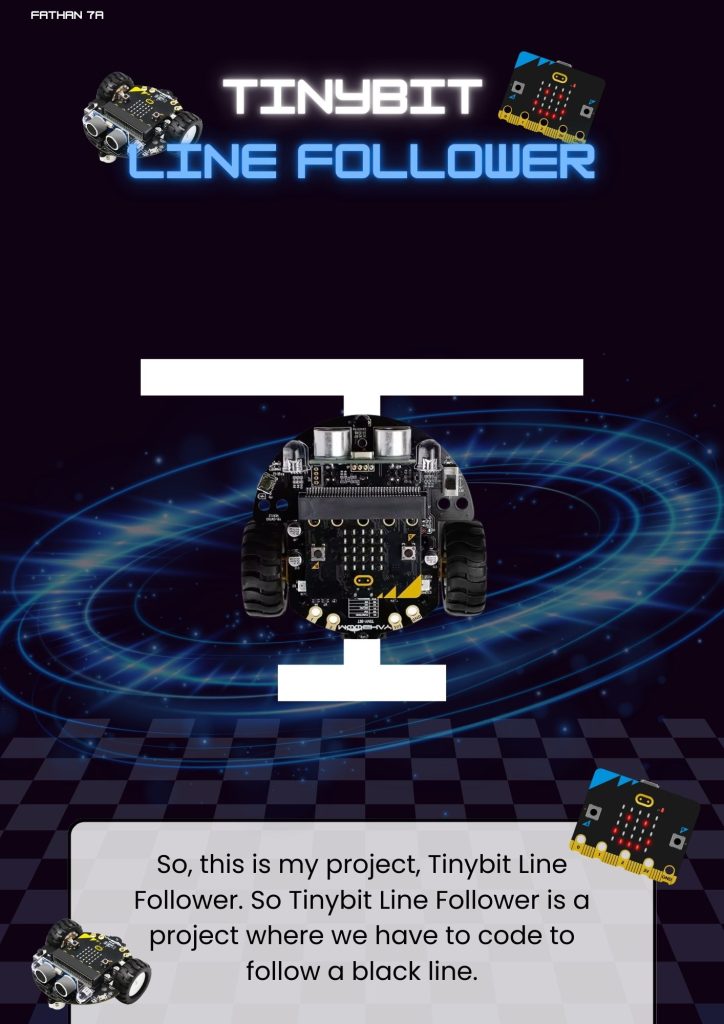
Okay, so this time I’m working on my project, which is Tinybit – a line follower. So Tinybit line follower is a robot that can follow a white line or a black line by itself without using a remote or other tools to control it. And we also use microbit to enter the code that we have made into the microbit, and here I made the code using the website namely makecode, just like the projects that I have made before, the difference is that here we use a track.

Categories
Project IT

Microbit – Smart Trash Bin

Microbit - Smart TrashBin

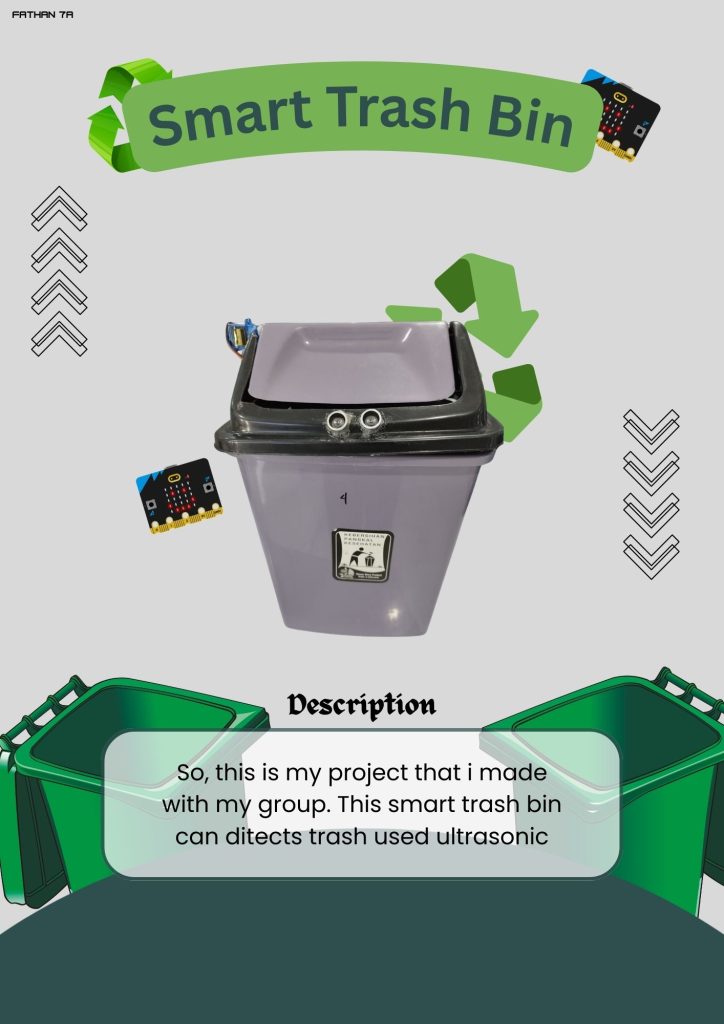
So, this time I am working on my project which is a smart trash can. A smart trash can is a trash can that uses sensors, when there is an item or detects something else then the lid will open, and in this project we use several sensors, there are ultrasonic sensors, servo motors, IObit, and also microbit. And we also have to code it first so it can be used, and here I code it using a website called makecode.

Categories
Project IT

Tinybit Hand Gesture

Tinybit Hand Gesture

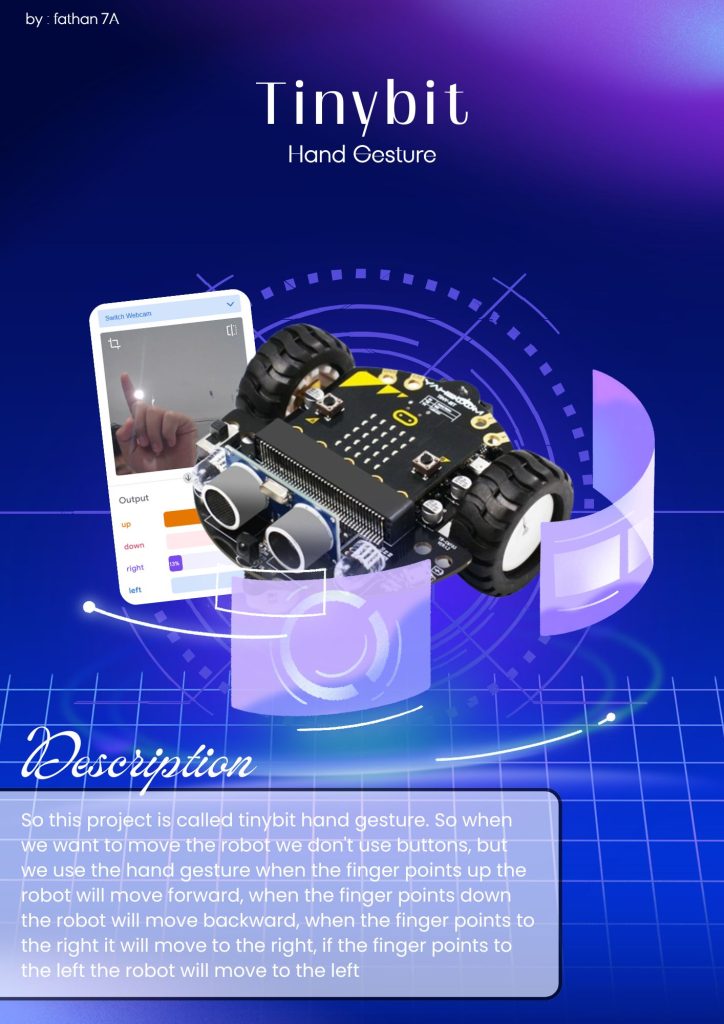
So this project is called Tinybit Hand Gesture. So when we want to move the robot, we don’t use buttons, but we use hand gestures. When the finger points up, the robot will move forward, when the finger points down, the robot will move backward, when the finger points to the right, the robot will move right, and if the finger points to the left, the robot will move left. and also we use a website called teachable machine to record our hand movements

Categories
Project IT

Tinybit Bluetooth Controller

Tiny bit Bluetooth Controller

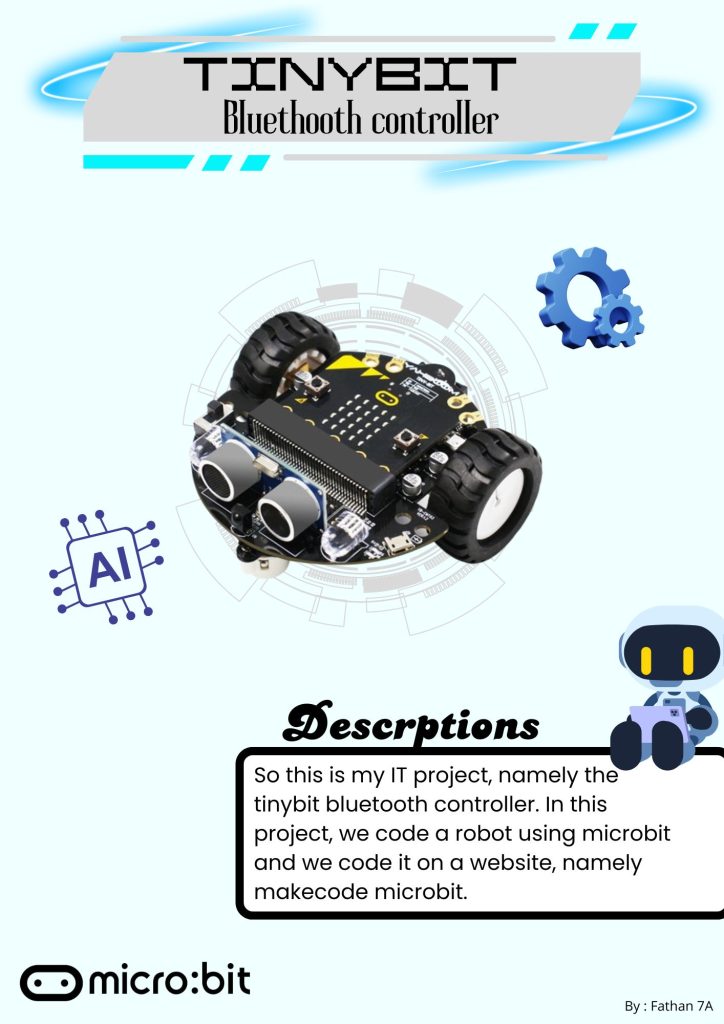
This is my first IT project in 2nd semester, so in this project we program a robot using microbit. Microbit is like a brain in a robot and the function of microbit is a speaker, knowing the room temperature. and here we code on a website that is make code microbit. and in this project of course we use a robot called tinybit, in tinybit there is a feature called ultrasonic, ultrasonic function is to detect an object. in this project we connect from the laptop to the robot using a website that is lofi control and it uses bluetooth

Categories
Project IT

The Defender Game

The Defender

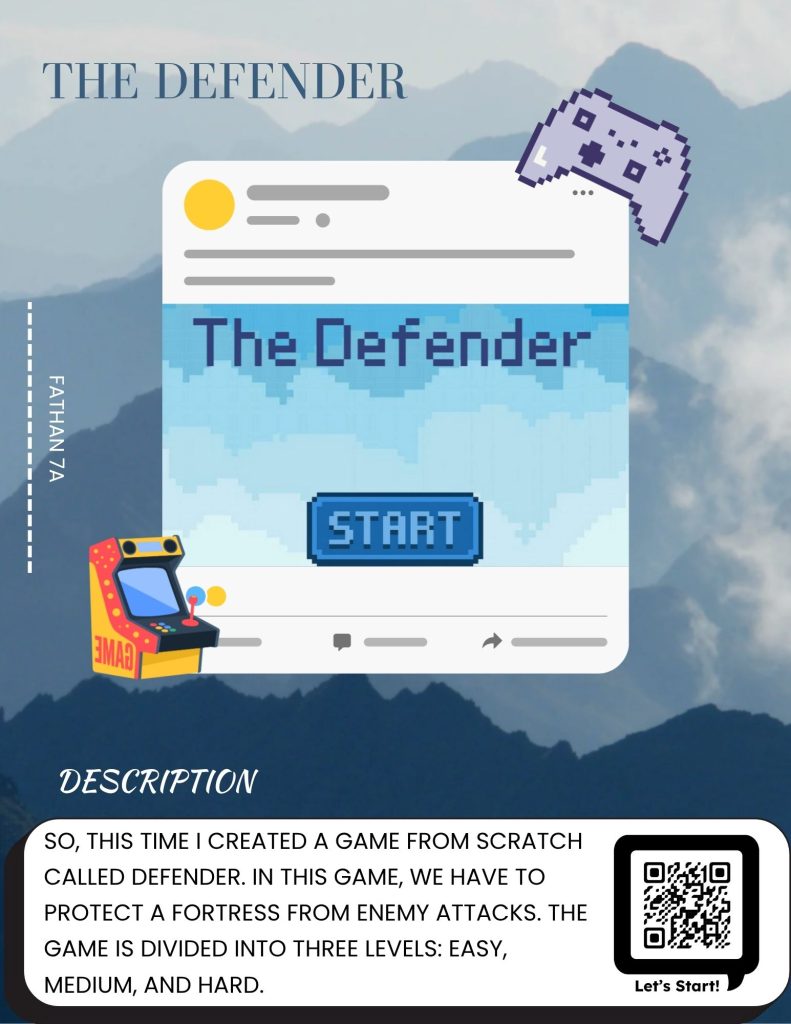
So, this time I made a game from Scratch called Defender. In this Defender game, we have to protect the fortress from enemy attacks. This game is divided into 3 levels: easy level, medium level, and hard level. To win, we have to collect points up to 100 points and you win. And here we are given life, if the enemy plane hits the fortress, its life will be reduced by one when the life is finished, you lose.